Do you imagine how cool an image would look if it were animated or turned into a video? Now your imagination can become a real video with the help of Kling AI. If you have used ai tools like Chatgpt, Copy AI, or Claude AI, then you have familiarity with what a prompt is. With Kling AI, you also need a text based prompt to tell the video generator what to animate in your image.
First, you need an image. I recommend you use an image that you own or have rights to, if you intend on publishing the AI video that you create. For testing and practice purposes, you can use any image. If you need to generate an image, you can also use Kling AI to generate it, but I find that Midjourney and Chatgpt are the better image generators.
Here’s an image that I generated with Chatgpt:
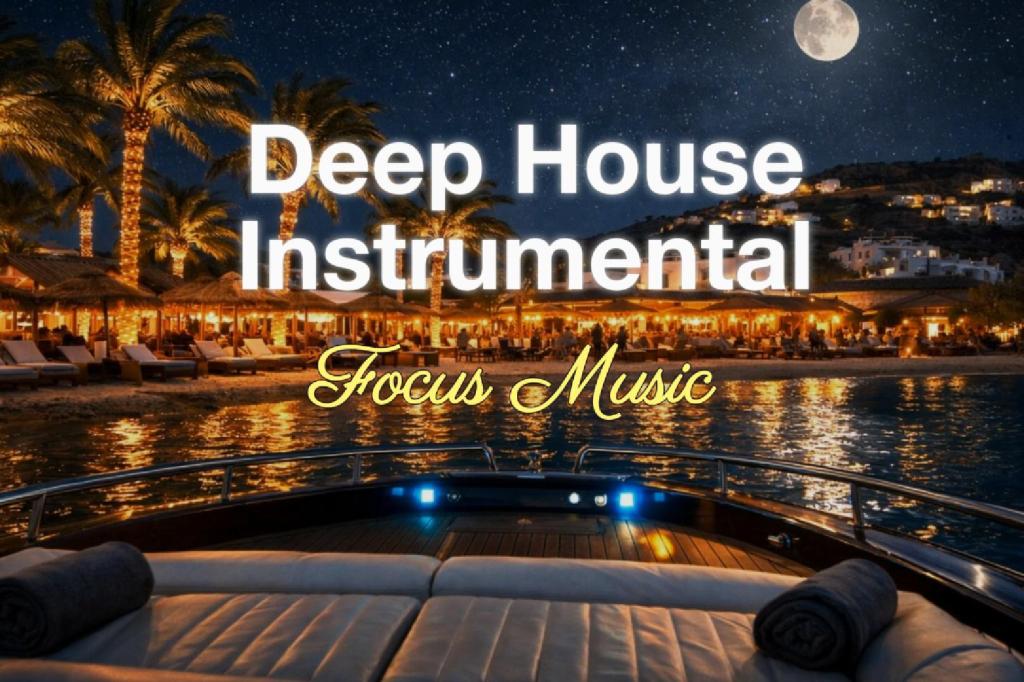
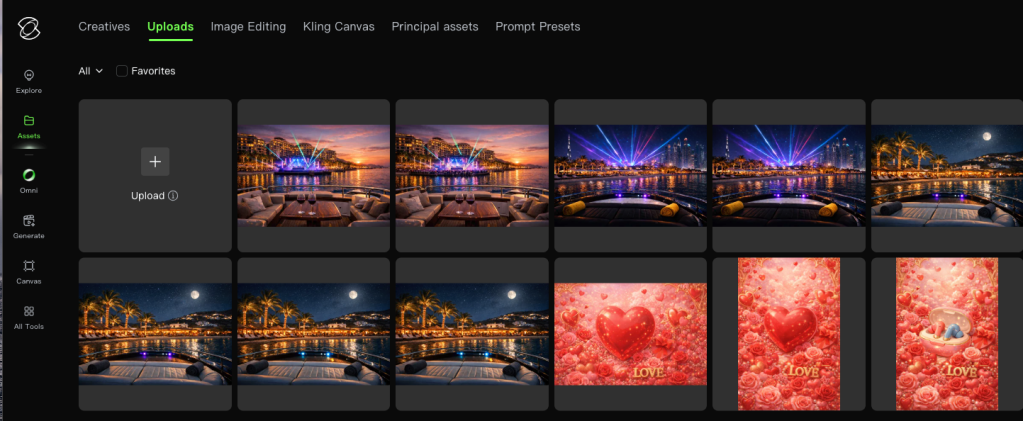
Second, upload the image into your Kling AI uploads.
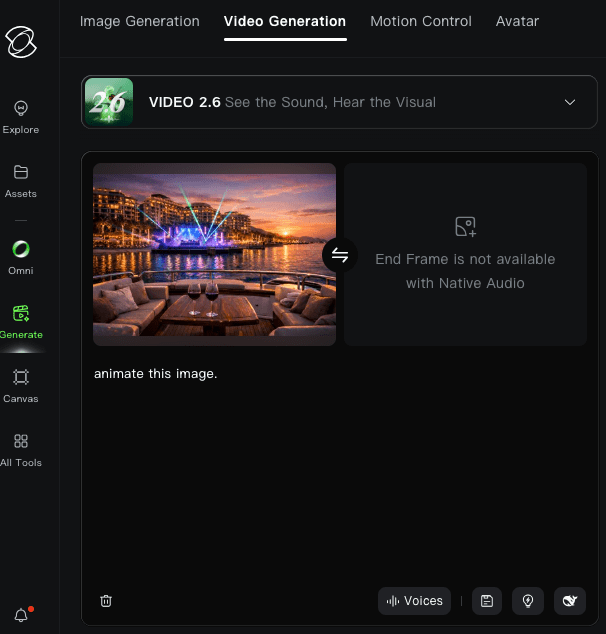
Third step, click on the Generate option in the left vertical menu, and insert your image and write your text prompt.
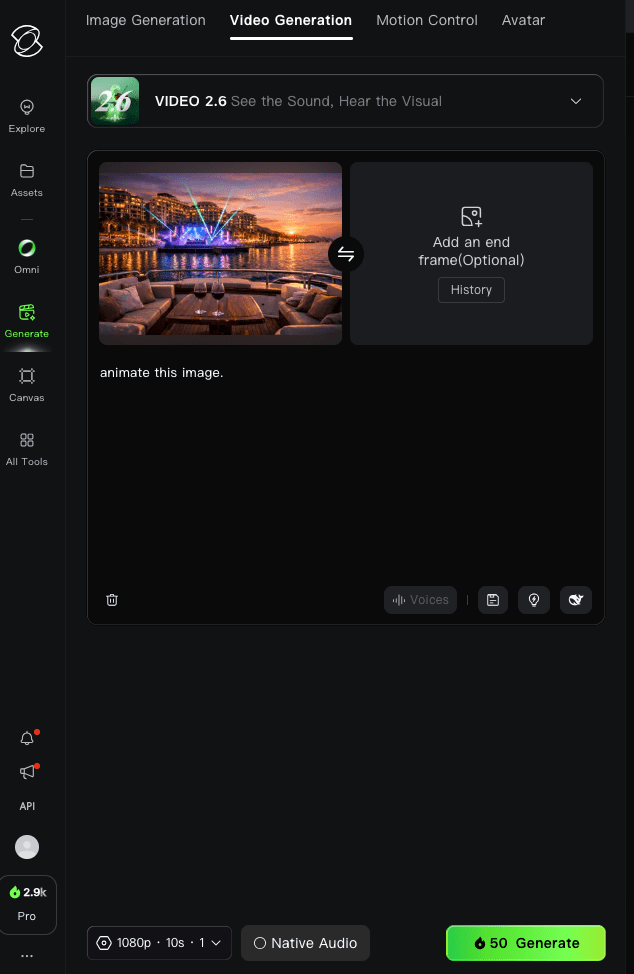
Click the green generate button when you are done with your prompt and then wait for your video to get generated. This can take 3-5 minutes.
I uncheck the Native Audio. Leaving it checked will cost more credits and also create audio that you may or may not need.
Lastly, use your video as you wish. Check out my ai generated music videos on my youtube channel.
Interested in trying out Kling AI? Use my referral code for a discount: https://pro.klingai.com/h5-app/invitation?code=7BQDQJ6R5ERF
 Web Tech Cafe