When I find myself needing to create images from scratch, I struggle because I’m not a photographer, painter, or illustrator. Images are a vital elements of our every day lives because they are the visual part of our experience that is like candy to our eyes. I’ve experimented with a couple of AI generating applications and I want to share my honest review.
I used Midjourney for about a month or two and I was impressed with the quality of the output. The more specific and descriptive you can be about art style, subject, and color palette, the more unique the image will be and the closer it will appear to what you imagine.
Midjourney AI Image Creations
Here are some images that I created with Midjourney that I really liked.
The art styles that I included in my image prompts were rococo and cubism.

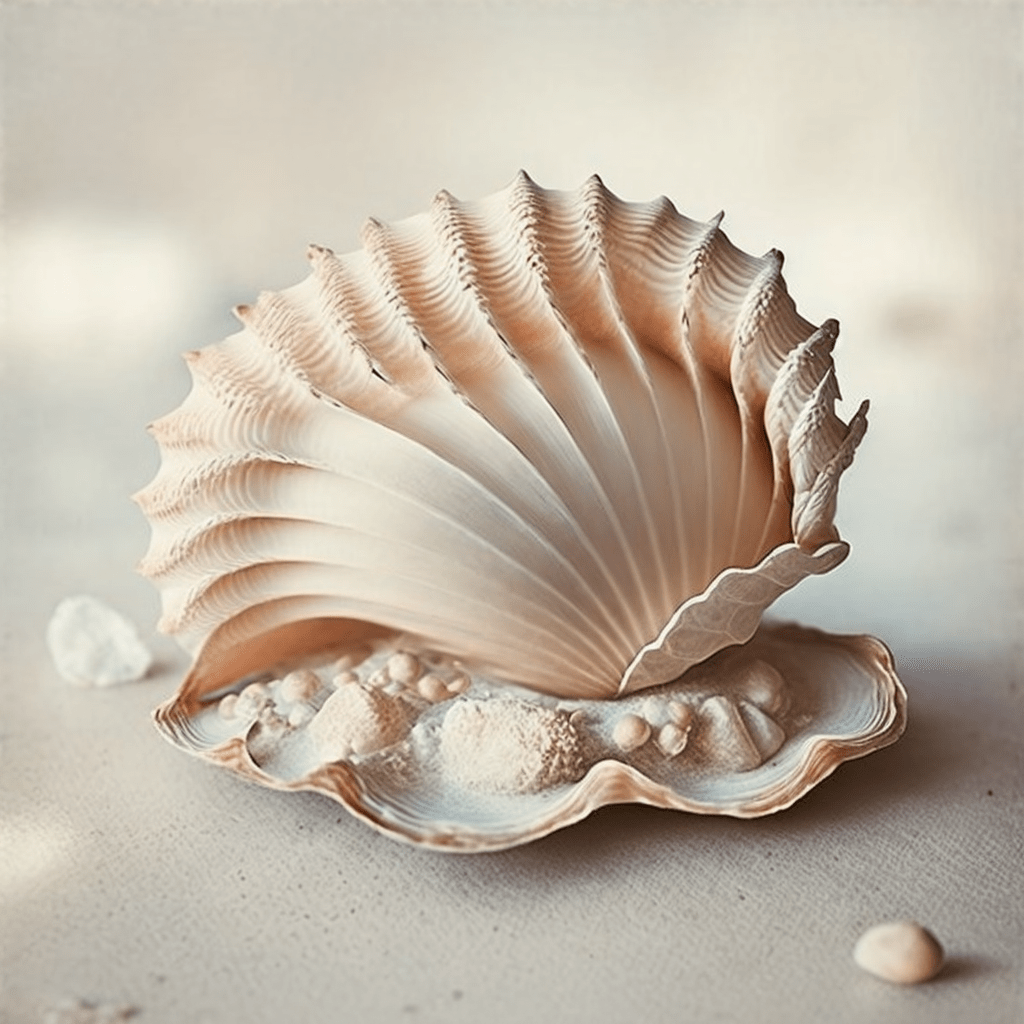
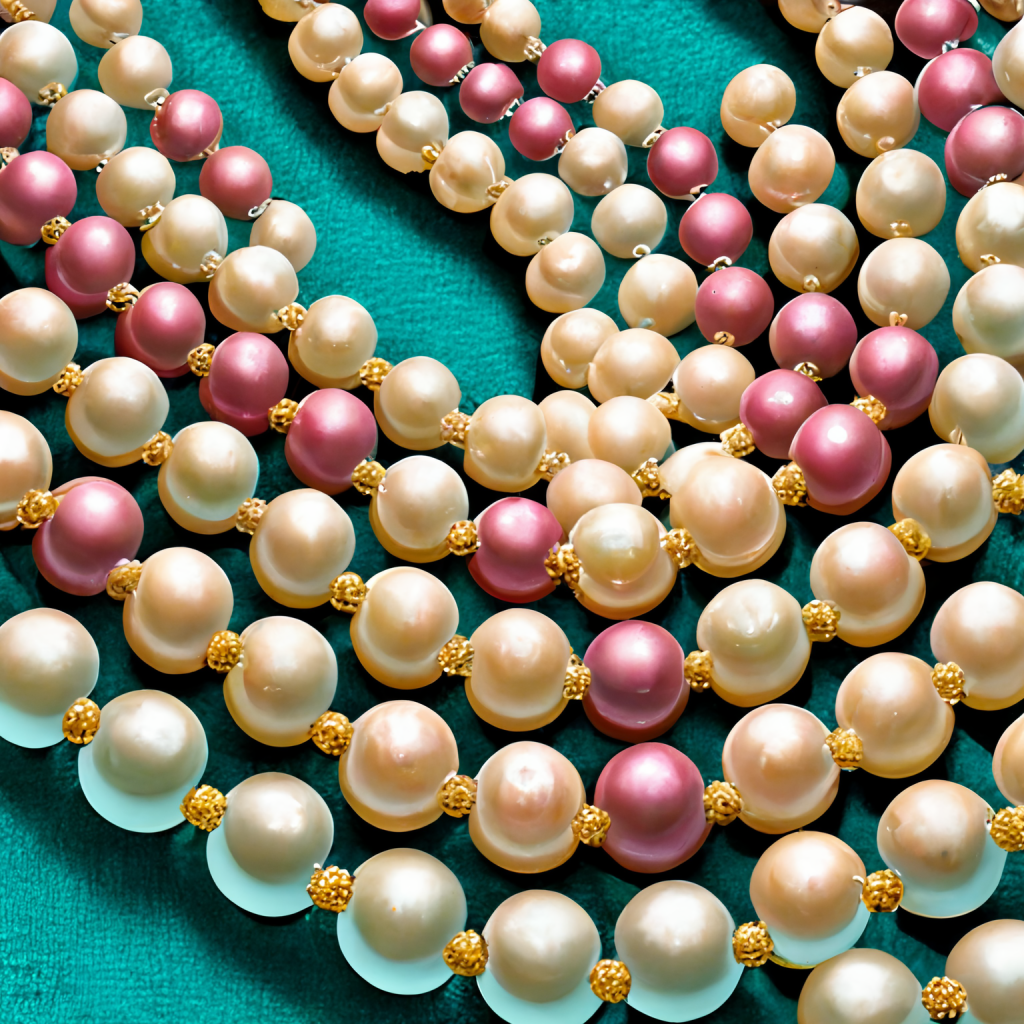
I cannot remember the exact prompts but I recall descriptive terms such as “graceful swan in lake, vintage rococo filter painting” and “luxury pearl necklace pink and beige pastel cubism style”. These are my images.
Things to know about Midjourney:
Cost: No free version, paid starts at $10 monthly. You can cancel at anytime.
User-Friendly: It was not easy for me to to use the service. You will need to learn how to use Discord. The MidJourney app is hosted within a Discord server.
Prompts: Once you pay your subscription and get setup in Discord, there are suggested prompt formats that you can use as templates. You also get to view the image creations of other users and can view their prompts so you can get inspiration from images that you really like.
The basic monthly plan is great and sufficient if you’re a team of one and need to crank out some images. I’m considering getting it again.
Kling AI Image Creations
Since I don’t have the Midjourney app and have been in need of images for my personal projects, I’ve been testing Kling.
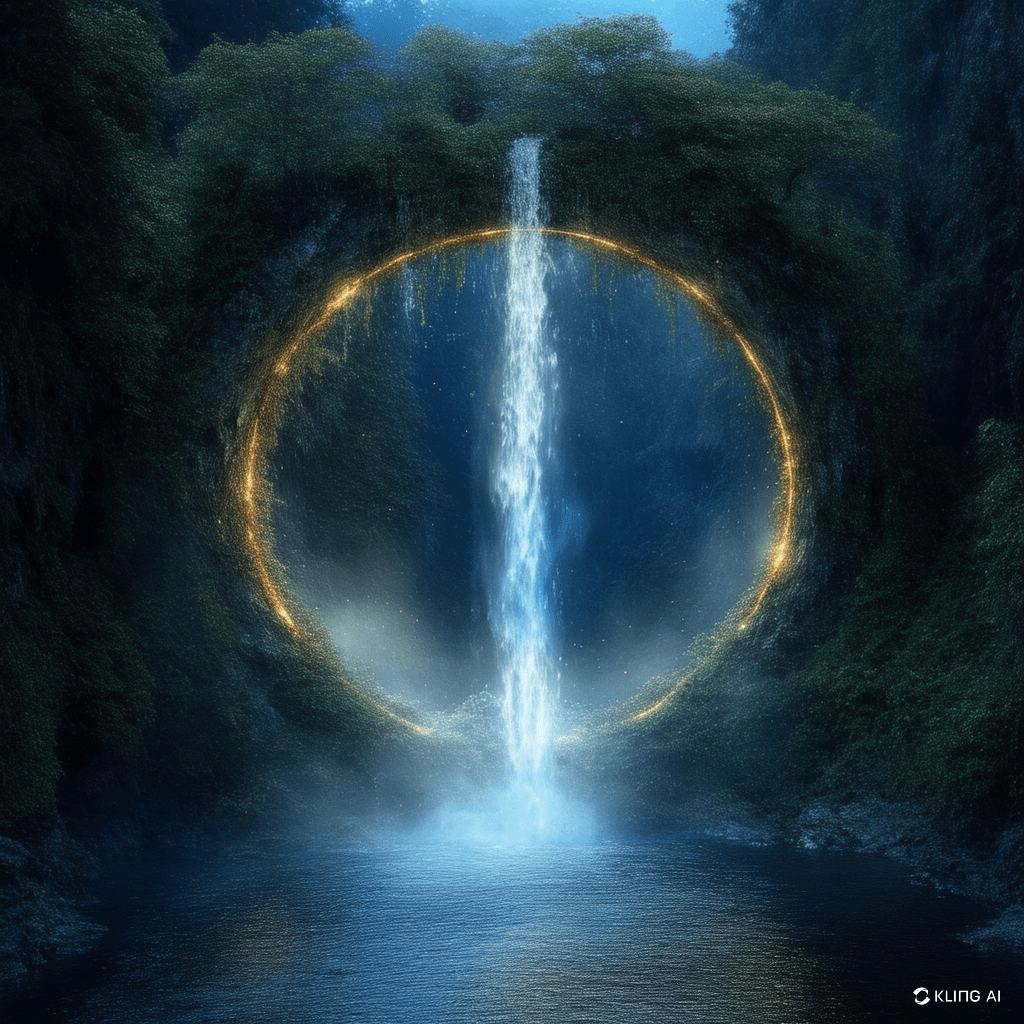
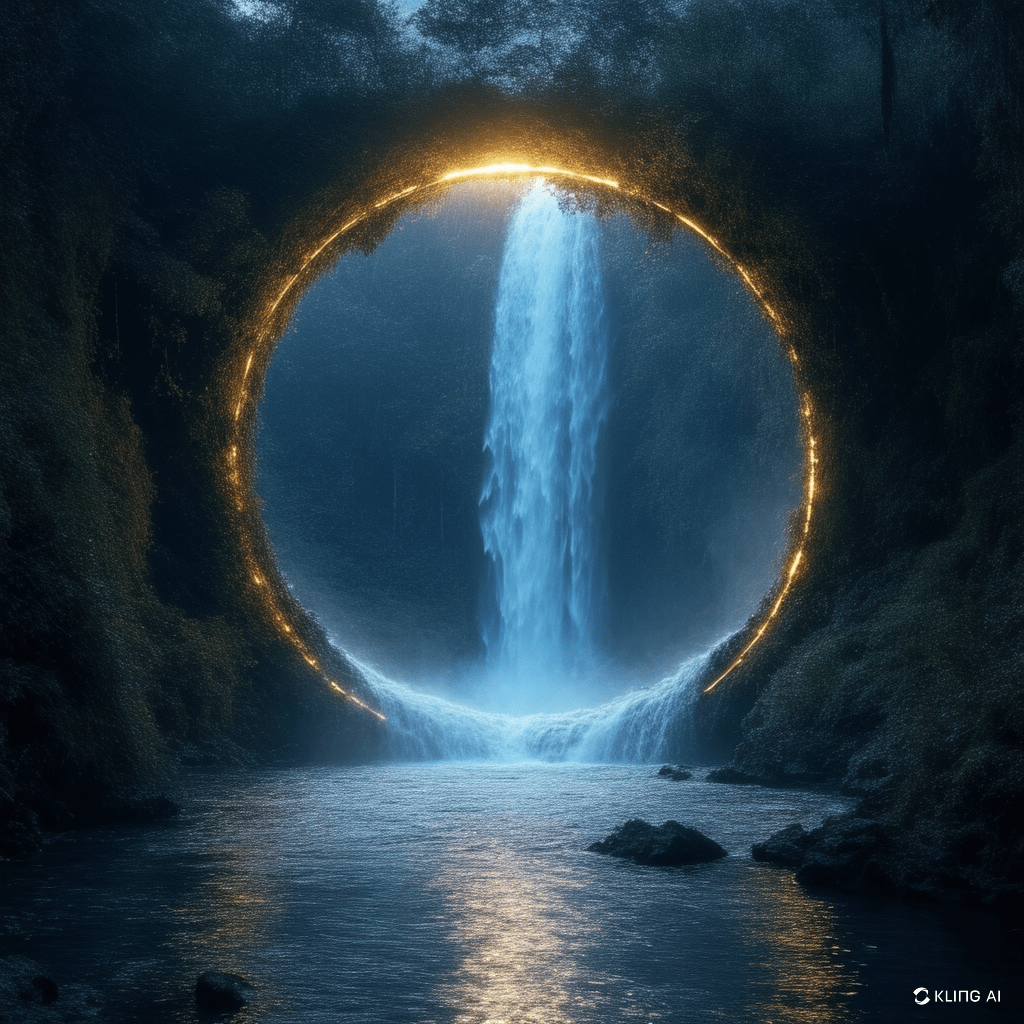
Here are three image variation of the same prompt. Similar to Midjourney, Kling provides you with multiple variations after you provide a prompt and gives you the option to select the your preferred and continue to refine.

Things to know about Kling:
Cost: Free version with watermark and limits. You will run out credits/trials quickly. Monthly plans start around $8/month. You can cancel at anytime.
User-Friendly: Much easier to access than Midjourney. You can sign up and use the app directly on the website klingai.com.
Prompts: When you are creating an image with Kling, you can give it a written prompt AND an image as reference.
The images above of the dreamy waterfall look great to me. Another HUGE PLUS to Kling is that you can create a video from an image. So if I were to upload the images above to Kling, Kling can animate the water so that it looks like a live waterfall. I ran out of credits so I can show you the result yet.
Let me know which other AI tools you use for image creation.
 Web Tech Cafe